Transaction Operations
Some of the Transaction operations are under buttons:

 Void Transaction
It is possible to void a transaction when no payment lines have been registered. If some payment lines have been done they need to be voided first and then the transaction can be voided.
To void a transaction press the button Void Transaction. You can do this at any point during the sale as long as you have not completed it with a payment. An information window appears:
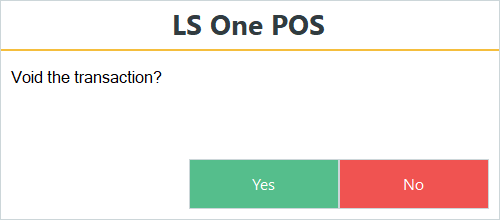
If you press Yes, the transaction is cleared from the Receipt panel and the totals are reset to zero.
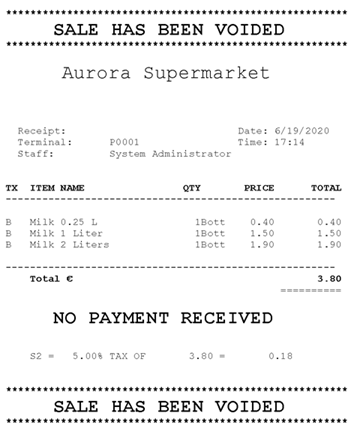
The system prints out the Voided Transaction Receipt and logs information about the voided transaction into the data file.
Void Payment
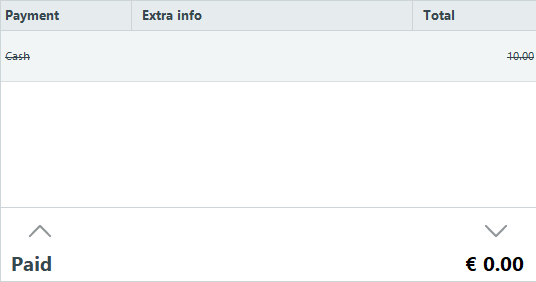
Void a payment that has already been registered to the transaction. Select the payment and press the Void Payment button.
The selected payment will be overruled and the balance updated to remove it.
Invoice Comment
By running this operation it is possible to add comments that are placed on the invoice, which is sent to the customer from the ERP system.
It is also possible to configure the receipt so that it prints the invoice comment.
Transaction Comment
Use this operation to enter a comment about the transaction. When you press the button a text input window appears.
Suspend Transaction
A transaction can be temporarily suspended and recalled later. This is practical to use when a sale is started and needs to be finished later, for example, when the customer cannot pay for the sale as they forgot their purse.
View and delete suspended transactions in the Site Manager.
Access this in the Site Manager by going into Sites > [Transactions] Suspended > Suspended Transactions.

Recall Transaction
A list of suspended transactions can be displayed with this action and recalled to be completed on the POS.
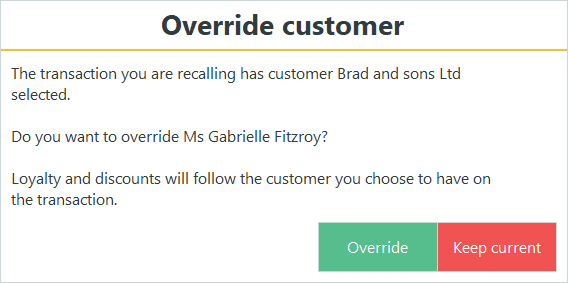
If a transaction has been started and has a customer assigned to it, and the user adds a recalled transaction that has a different customer assigned to it, the system displays a message asking the user if he wants to override or keep the current customer. For example:
| Updated: | June 2020 |
| Version: | LS One 2020 |

